A single close-up photo of your hand can carry more than you think. Here is how computers pull hidden detail out of ordinary pictures, where the limits are, and what you can do about it.
A drug dealer, a block of Stilton and a fingerprint

In May 2021, a Liverpool man was jailed for 13 years and 6 months after police identified him from a photo of cheese. Carl Stewart, 39, used the handle “Toffeeforce” on EncroChat, an encrypted phone service popular with organised crime until European police infiltrated it in 2020. He had shared a picture of a block of Stilton resting in his palm.
See the photo: Merseyside Police published the cheese picture with its news release on the case (May 2021).
That photo was enough. Merseyside Police said his palm and fingerprints were analysed from the image and matched to him. He pleaded guilty to conspiracy to supply cocaine, heroin, MDMA and ketamine, and to transferring criminal property.
The police did not publish exactly how their experts worked. But the general idea is well known in computer vision, and it is worth understanding, because the same photos we share every day can carry the same kind of detail.
From photo to fingerprint, in four steps
A fingerprint is a pattern of ridges. What makes it identifying is not the overall swirl but the small irregularities: places where a ridge stops (a ridge ending) or splits in two (a bifurcation). Experts call these minutiae. The figure below shows the idea on a synthetic fingerprint we generated for this post; it belongs to no one.
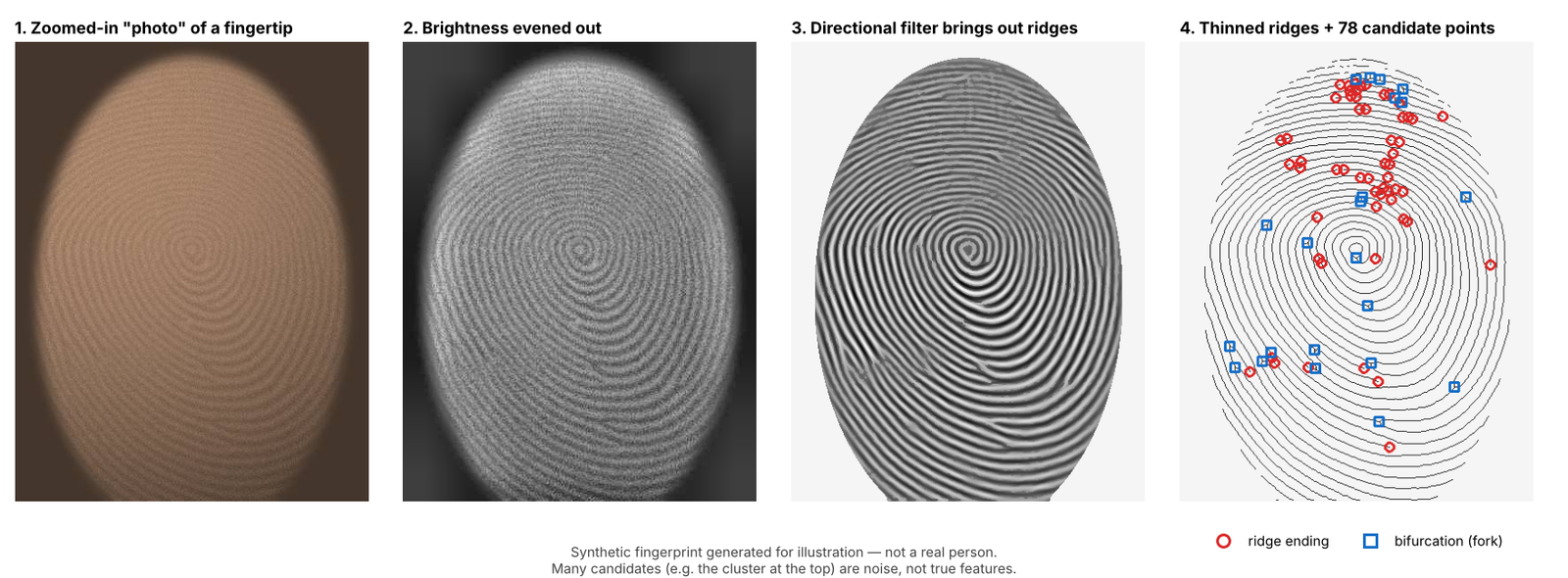
- Zoom in. Phone cameras now capture tens of millions of pixels. Cropping to a fingertip can still leave enough pixels to see ridges, faintly.
- Even out the brightness. Skin photos have shadows and glare. A local contrast adjustment makes dark and bright areas comparable, so ridges show everywhere.
- Filter by direction. Ridges run in a smooth, predictable direction. A filter tuned to that direction strengthens the ridges and suppresses random noise.
- Thin the lines and mark candidate points. The ridges are reduced to one-pixel lines. Every place a line stops or forks becomes a candidate feature.
In our synthetic example, this produced 78 candidate points. The video that inspired this post reached 171 on its own image. Neither number is an identification; it is a list of candidates, and the next section explains why that difference matters.
Candidates are not a match

Look at the cluster of points at the top of our step 4. Almost all of them are noise: blur and compression broke the lines, and the software read each break as a feature. Real forensic work has to separate true features from artefacts like these, and that is where most of the effort goes.
Three things decide whether a photo is usable:
- Focus and light. The ridges must be sharp and evenly lit. Most casual photos are not.
- Resolution on the fingertip. A whole hand filling the frame is very different from a hand in the corner of a group photo.
- Something to compare against. A print from a photo identifies no one by itself. It has to be compared with a known print before it can point to a person.
So “every hand photo leaks your fingerprint” is an exaggeration. “A sharp, close, well-lit photo of a fingertip can” is accurate, and that is worrying enough.
Fingerprints are only the start
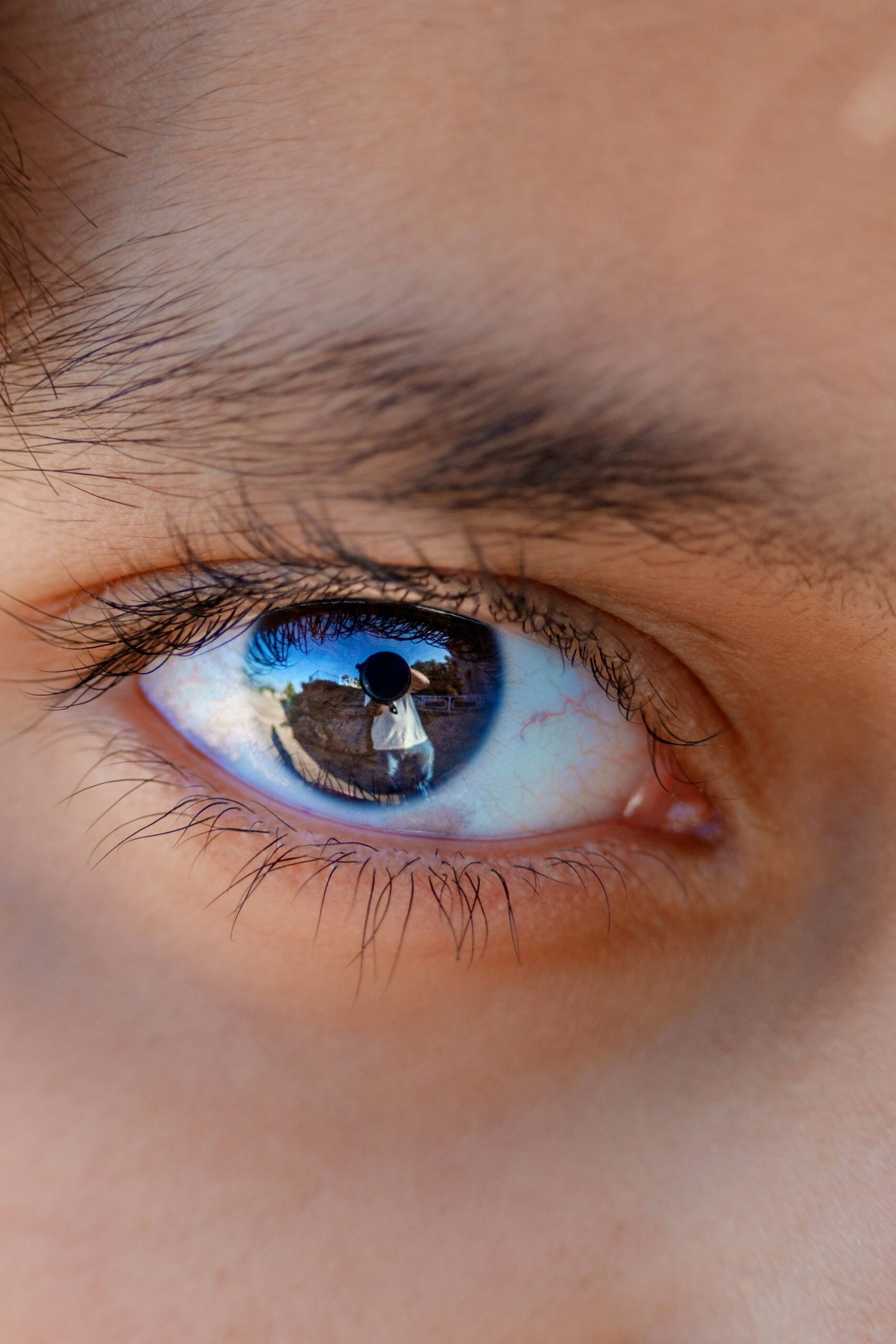
The same idea (zoom in, clean up, measure) works on other details hiding in plain sight. Four documented examples:
| Year | What was recovered | From what | Who |
|---|---|---|---|
| 2008 | Working copies of house keys | Photos of keys, including one shot with a telephoto lens from about 60 m away | UC San Diego (Laxton, Wang & Savage), “Sneakey” |
| 2013 | Recognisable faces of bystanders | Reflections in the eyes of people in high-resolution portraits | Rob Jenkins (York) & Christie Kerr (Glasgow), PLOS ONE |
| 2014 | A German minister’s thumbprint | Press photos taken with a standard camera at a public event | Jan Krissler (“Starbug”), Chaos Computer Club |
| 2017 | Fingerprints | A “peace sign” photo taken about 3 m away in good light | Isao Echizen, National Institute of Informatics, Japan |
Keys. The San Diego team’s software corrected for camera angle and measured the depth of each cut on a key. Their point was simple: a key’s shape is a secret, and it can be seen.
Eye reflections. A reflected face in the pupil was roughly 30,000 times smaller than the subject’s face. Even so, people unfamiliar with the bystanders matched them correctly 71% of the time, and those who knew them 84% of the time.
The minister’s thumb. Krissler combined a close-up of Ursula von der Leyen’s thumb with photos from other angles. Whether his result matched her real print was not publicly confirmed.
Peace signs. Echizen’s team stressed that the fingers had to be in focus and strongly lit. Some commentators noted that turning an image into a physical fake is still much harder than the headlines suggested.
Why this matters: you cannot reset a finger
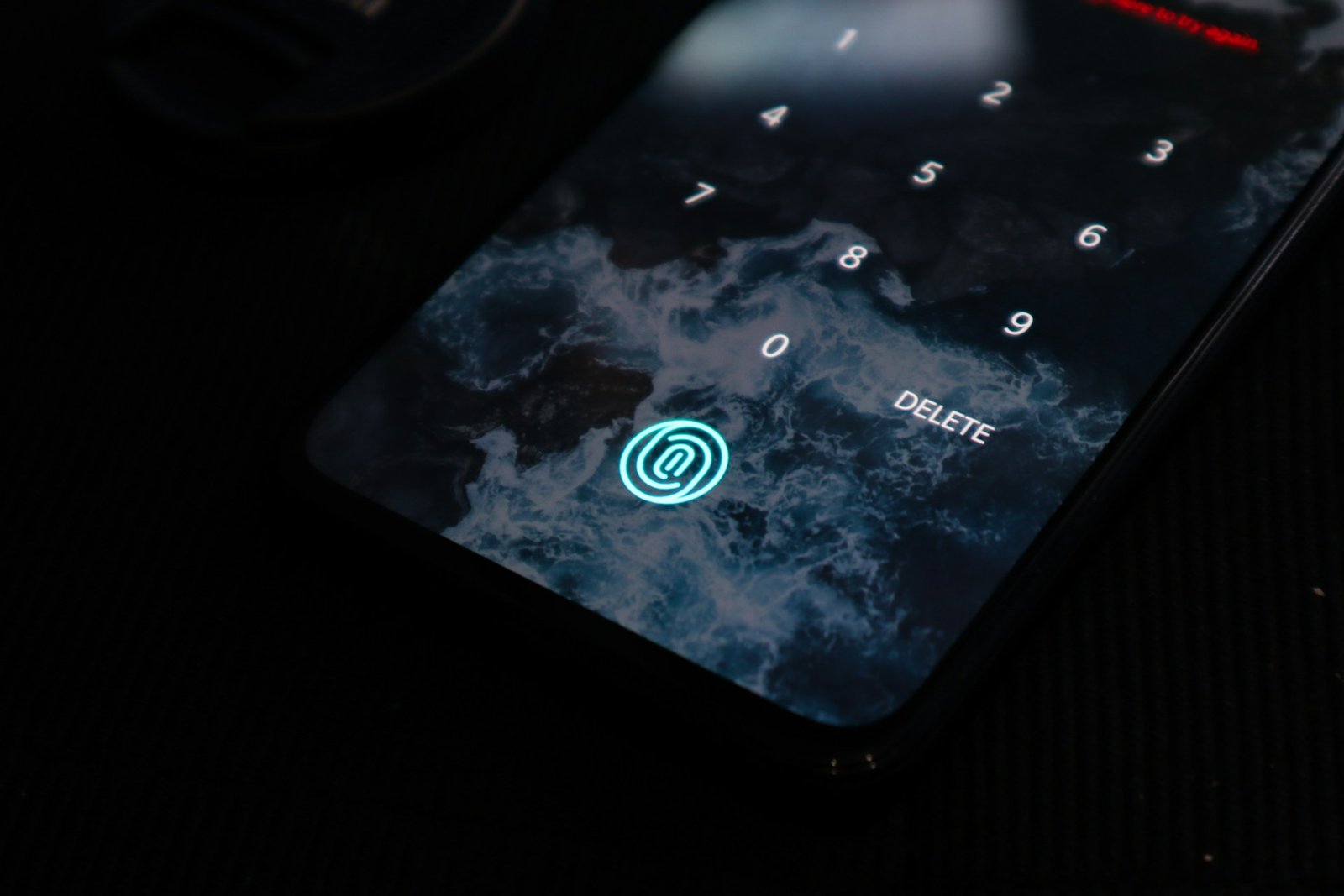
If a password leaks, you change it. If your fingerprint leaks, you live with it for the rest of your life. That is the core problem with biometrics as a secret: they are permanent, and they are on display every time you raise a hand.
This does not mean fingerprint unlock is useless. For most people, the realistic threat is a stranger picking up a lost phone, and a fingerprint stops that well. It means a fingerprint is better treated as a username than as a password: convenient, but not the only thing standing between an attacker and something valuable.
There is a wider lesson too. Cameras keep improving, and software for sharpening and analysing images keeps getting easier to use. A photo you post today will be examined by tools that do not exist yet.
What you can do
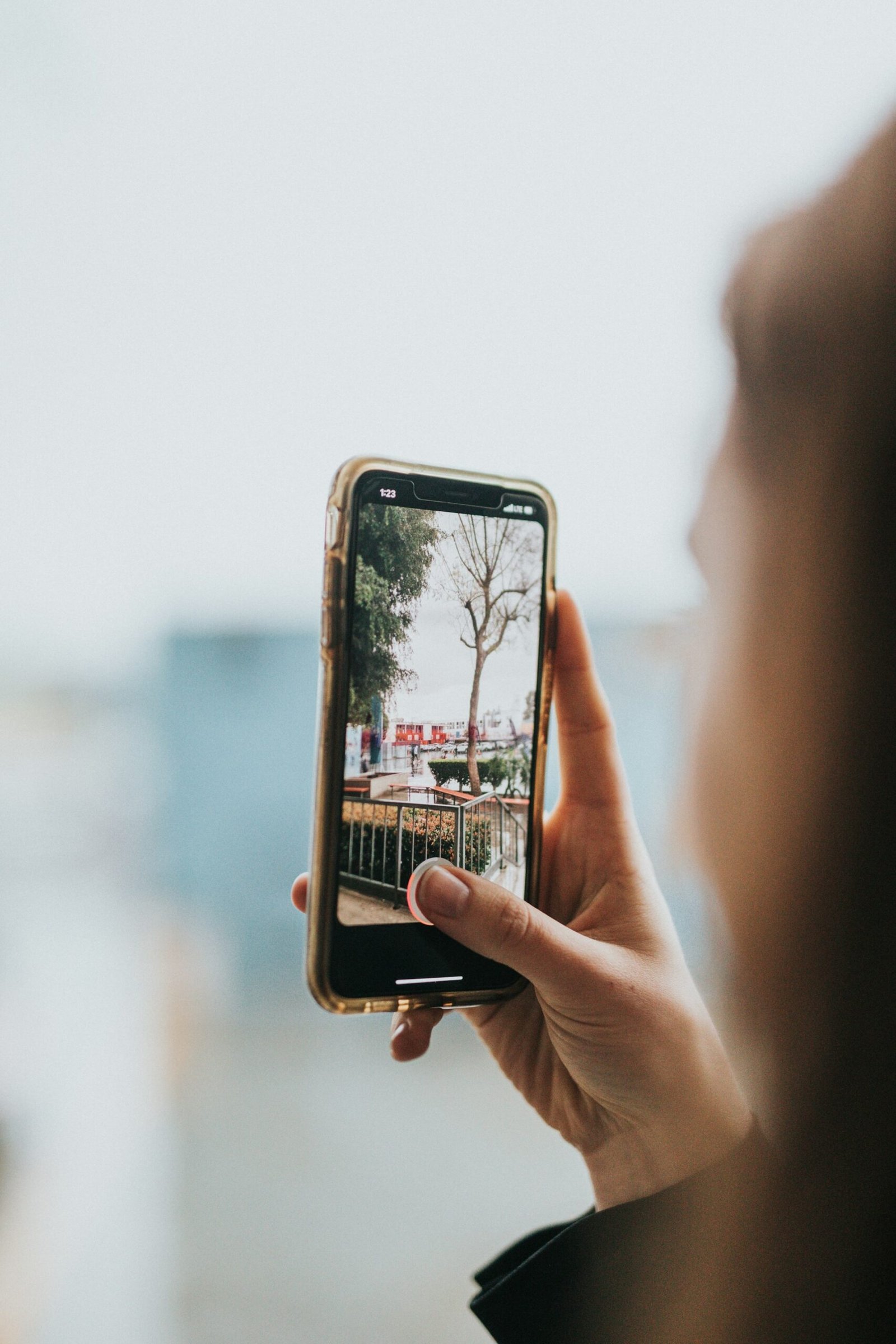
- Think before posting fingertip close-ups. Hands holding a product, a ring or a new phone are the riskiest. Crop, angle the fingers away, or add a light blur over the fingertips.
- Check for keys, cards and screens. House keys, ID cards, boarding passes and screens in the background leak more than fingerprints do, and more easily.
- Don’t rely on biometrics alone for high-value accounts. Combine them with a PIN, password or a second factor, especially for banking and email.
- Remember who else is in the picture. Reflections, windows and backgrounds can reveal people and places that never agreed to be shown.
- Talk to family. Older relatives and children share the most photos and know the least about what is in them.
Learn more
Photos, biometrics and the data trails we leave are a central theme of our course Privacy, Surveillance, and Digital Rights at Unicus Academy. For the verification side (how to judge what an image really shows), see Truth in the Age of Synthetic Media.
Sources
- Merseyside Police (2021): Liverpool man latest to be jailed as part of national Operation Venetic
- The Register (2021): Stilton snap shared via EncroChat leads to drug dealer’s downfall
- Gizmodo (2021): Drug dealer taken down by ‘his love of Stilton cheese’
- UC San Diego (2008): A picture is worth a thousand locksmiths; Laxton, Wang & Savage, Reconsidering Physical Key Secrecy, ACM CCS 2008
- Jenkins & Kerr (2013): Identifiable images of bystanders extracted from corneal reflections, PLOS ONE 8(12): e83325
- CNN Money (2014): Hackers recreate fingerprints using public photos
- The Register (2014): German minister’s thumbprint ‘stolen’ from a photo
- SBS / AAP (2017): Fingerprint data at risk in ‘peace’ photos
- VOA (2017): Researchers say fingerprint data vulnerable in ‘peace’ photos
Images: the four-step figure uses a synthetic fingerprint generated for this article; it does not belong to any real person. Cover photo by Immo Wegmann on Unsplash; other photos via Unsplash, credited under each image.